Handled home
Home project ideas What would you change?
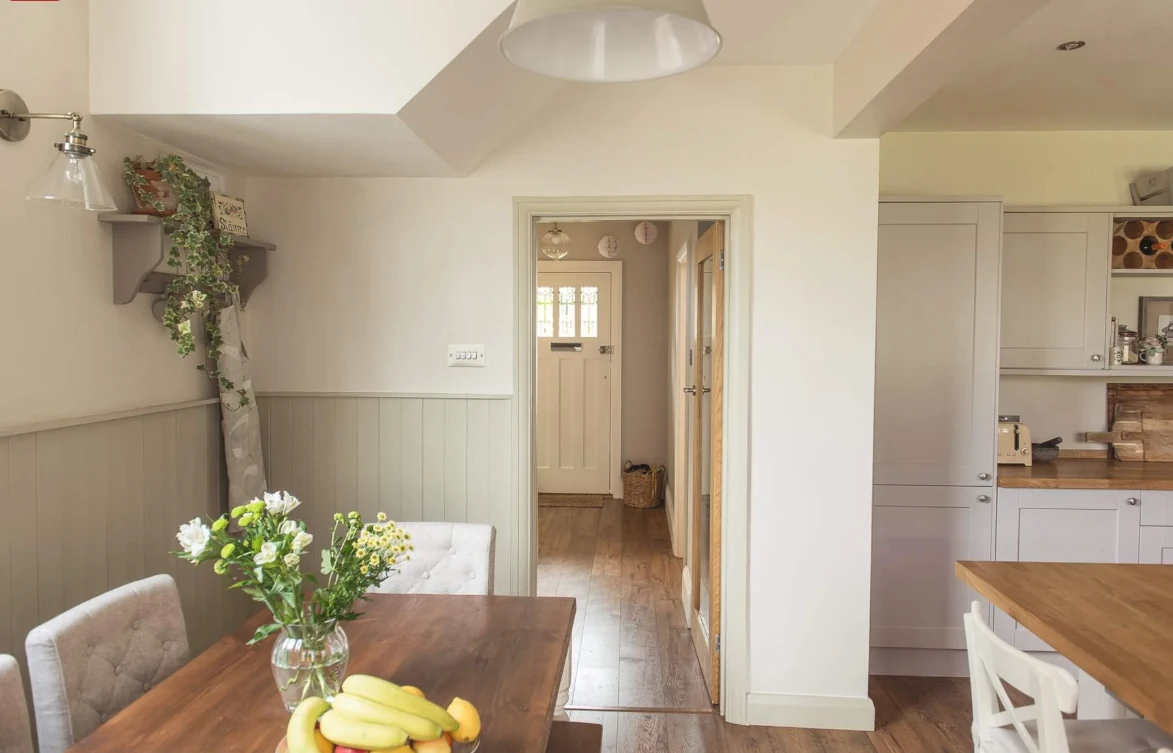
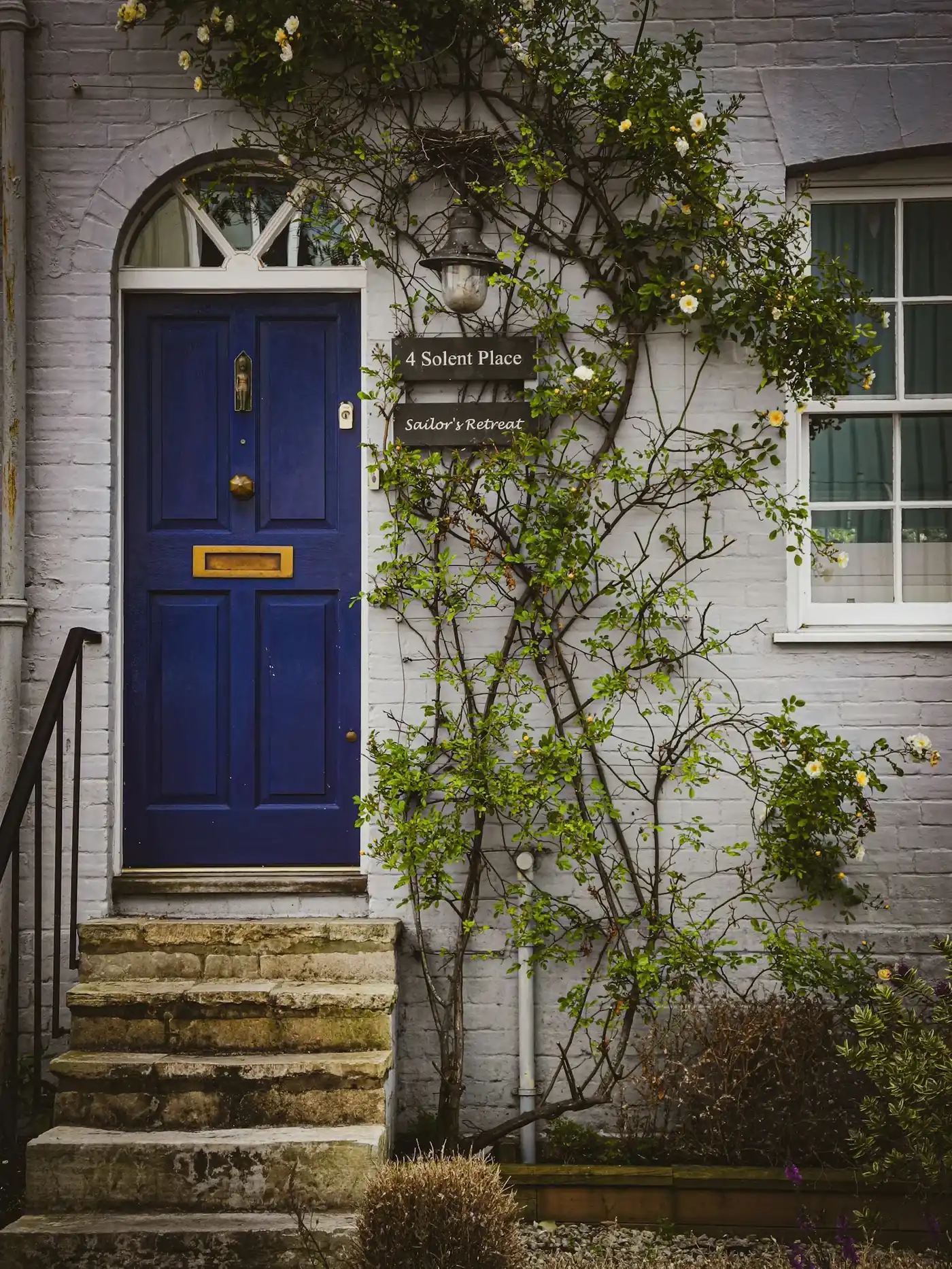
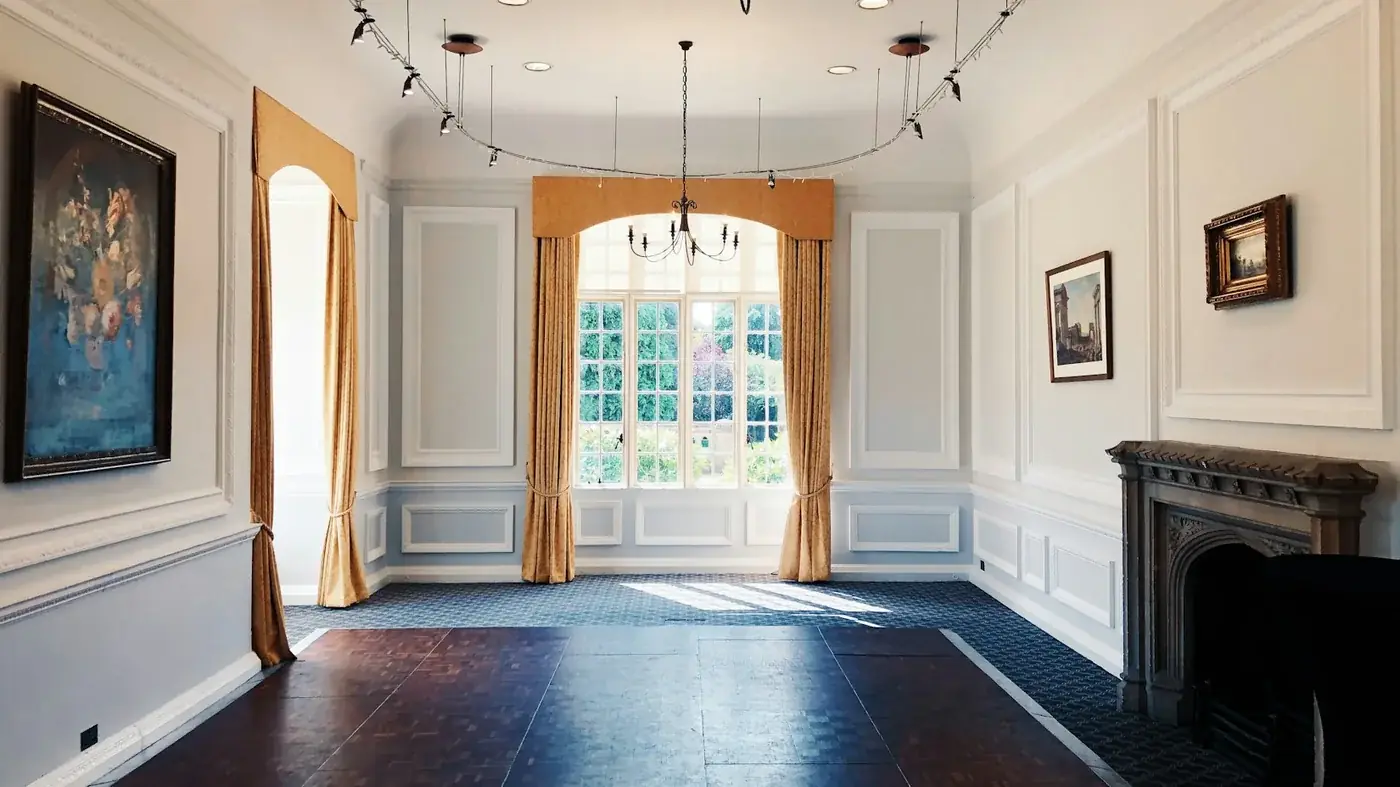
Open a photograph and pick a detail you’d like for your own home. Your picks become a job description you can edit.

How it works
From a photo to a brief.
The photographs are there for ideas. A tradesperson prices the work in your own home, so add your own measurements and photos before you post.
Pick the details.
Open a space and tick what you’d like for your own home, or tap the markers on the photograph. You can pick from more than one space.
Check the wording.
Your picks become a short description with a note for each detail. Edit it, then add the trade, the first part of your postcode and when you’d like the work done.
Post it in Handled.
Copy your brief into Describe the job in the app, add your own photos and post it. Tradespeople who cover your area can then quote.